
I am Sheri's OLDEST client and wish to remain ANON. Just call me, JOHN.
Living in Mesa I had found that getting old was like taking inventory of a 20 year old Dodge Dakota that runs on regular gas. New cars are priced so unreasonable for any job that I could wrest from illegals. My aging eyes and ears start failing and falling, conversely, the gasoline prices, well, they just kept getting HIGHER.
. Recall the GDP dropping from the 3% LEVELs established as 'normal' by G.H.W Bush, to a tenth of a percent level reported prior to the 2016 election.
8 years of the Clinton Pakistan communication give-aways were not enough. The money situation around here to a much fowler stagnate economy years more after G. W. Bush and Obama and his wife, Mike fulfilling their pork promises.
My wife and I even had a Land-Lady that collected RENT while the utility companies increased 'FEE's' and 'Handling' charges on all manner of 'services' ranging from unsolicited things going into and onto envelopes. Retirement in the 90's meant fixed income battling all manner of incoming expense as me and my lovely bride sat at the kitchen table patiently watching each other starve.
Stress what made inroads on my retirement. My Plans spiraled noticeably to a position of increased tensions, This fantastic insurance sales lady has REMOVED ALL of the stress created by a 8 year Republican President, 'Hell-Bent' on hastening my departure to the 'promised' land
What you are reading now is a text block the most basic block of all. The text block has its own controls to be moved freely around the post...
... like this one, which is right aligned.
Headings are separate blocks as well, which helps with the outline and organization of your content.
A Picture is Worth a Thousand Words
Handling images and media with the utmost care is a primary focus of the new editor. Hopefully, you’ll find aspects of adding captions or going full-width with your pictures much easier and robust than before.

Try selecting and removing or editing the caption, now you don’t have to be careful about selecting the image or other text by mistake and ruining the presentation.
The Inserter Tool
Imagine everything that WordPress can do is available to you quickly and in the same place on the interface. No need to figure out HTML tags, classes, or remember complicated shortcode syntax. That’s the spirit behind the inserter—the (+) button you’ll see around the editor—which allows you to browse all available content blocks and add them into your post. Plugins and themes are able to register their own, opening up all sort of possibilities for rich editing and publishing.+
Go give it a try, you may discover things WordPress can already add into your posts that you didn’t know about. Here’s a short list of what you can currently find there:+
- Text & Headings
- Images & Videos
- Galleries
- Embeds, like YouTube, Tweets, or other WordPress posts.
- Layout blocks, like Buttons, Hero Images, Separators, etc.
- And Lists like this one of course :)
Visual Editing
A huge benefit of blocks is that you can edit them in place and manipulate your content directly. Instead of having fields for editing things like the source of a quote, or the text of a button, you can directly change the content. Try editing the following quote:
This editor will endeavor to create a new page and post building experience that makes writing rich posts effortless, and has “blocks” to make it easy what today might take shortcodes, custom HTML, or “mystery meat” embed discovery.
Your FRIEND - Author: Matt Mullenweg, 2017
The information corresponding to the source of the quote is a separate text field, similar to captions under images, so the structure of the quote is protected even if you select, modify, or remove the source. It’s always easy to add it back.
Blocks can be anything you need. For instance, you may want to add a subdued quote as part of the composition of your text, or you may prefer to display a giant stylized one. All of these options are available in the inserter.

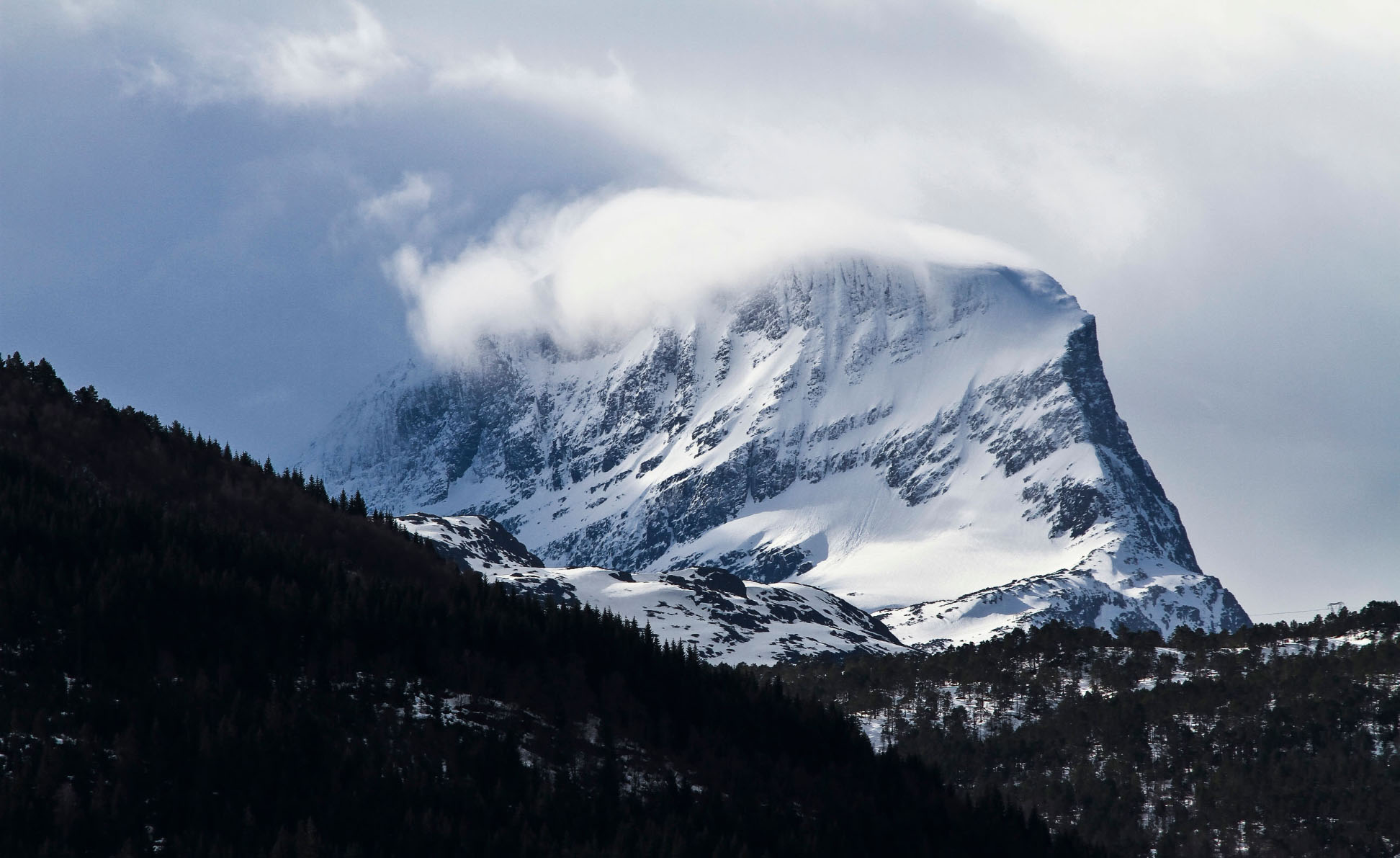

You can change the amount of columns in your galleries by dragging a slider in the block inspector in the sidebar.
Media Rich
If you combine the new wide and full-wide alignments with galleries, you can create a very media rich layout, very quickly:
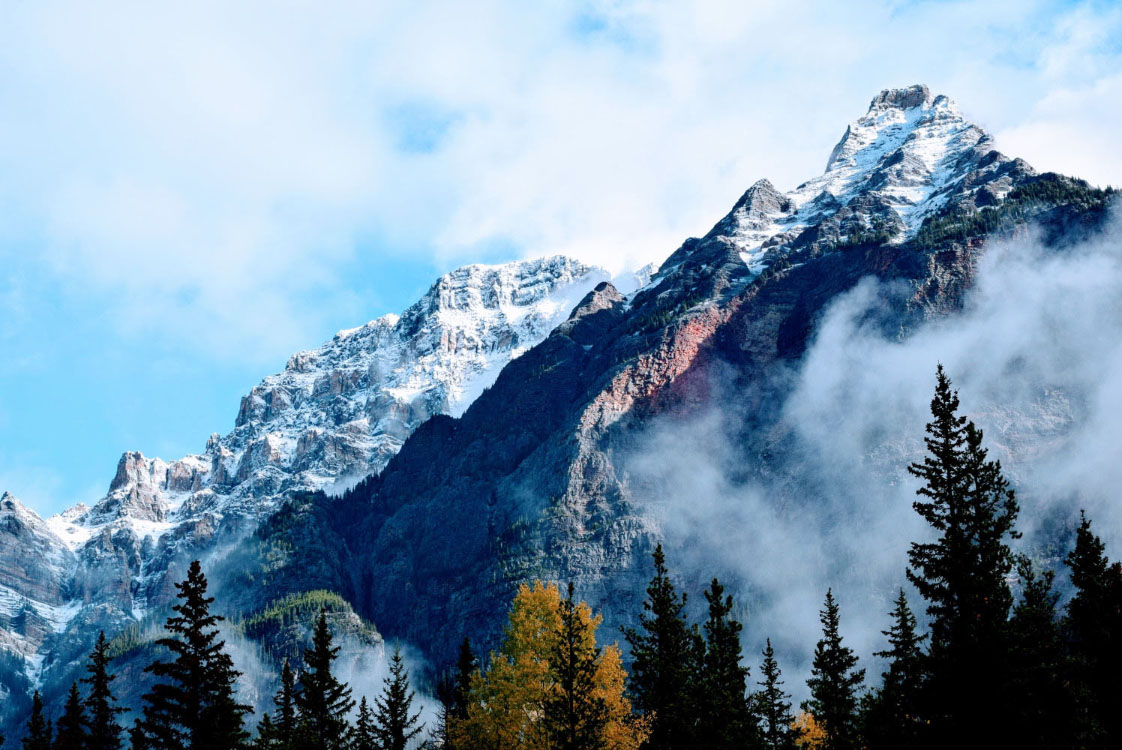
Sure, the full-wide image can be pretty big. But sometimes the image is worth it.

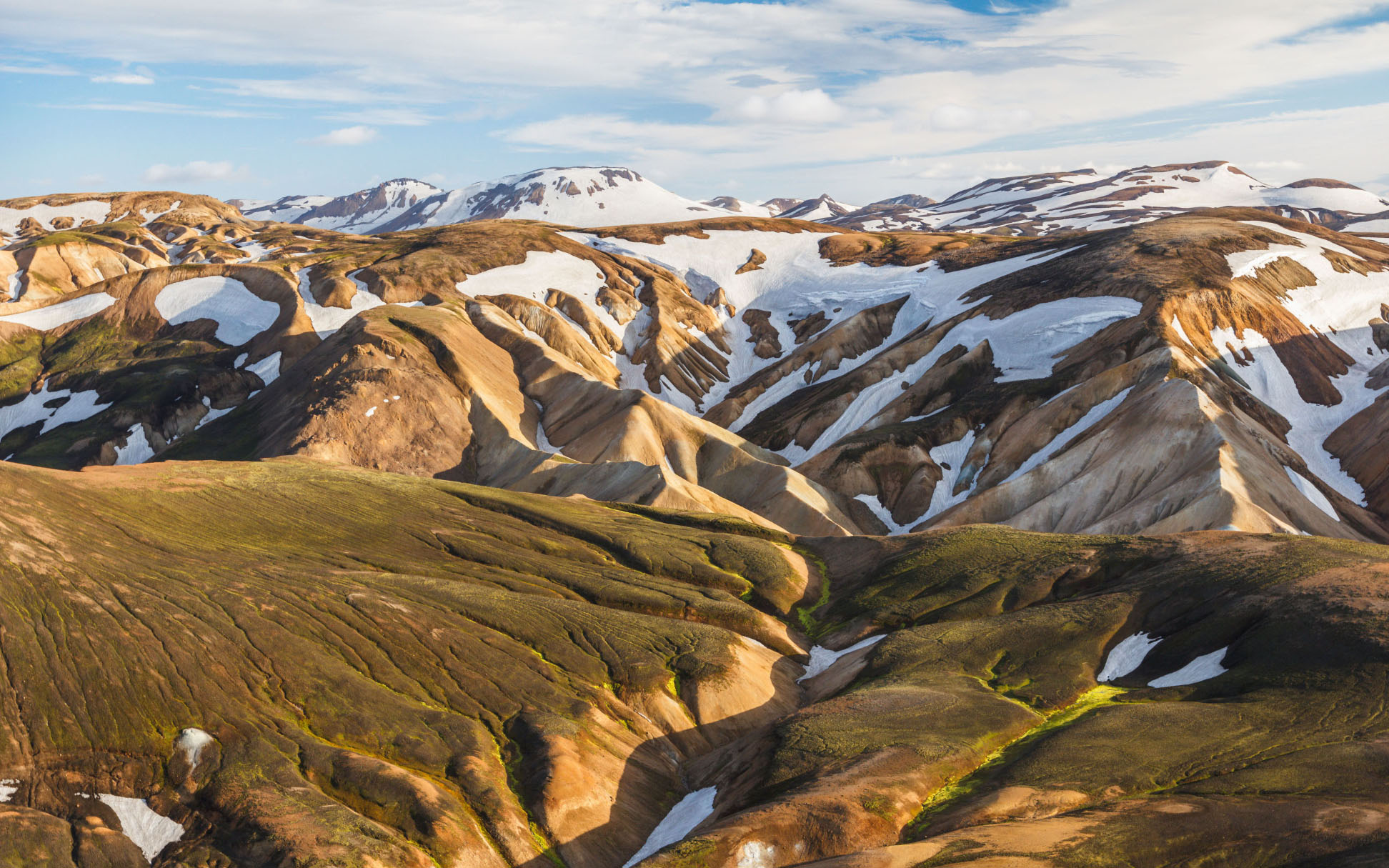
The above is a gallery with just two images. It’s an easier way to create visually appealing layouts, without having to deal with floats. You can also easily convert the gallery back to individual images again, by using the block switcher.
Any block can opt into these alignments. The embed block has them also, and is responsive out of the box:
You can build any block you like, static or dynamic, decorative or plain. Here’s a pullquote block:
Sheri,
The WordPress community
If you want to learn more about how to build additional blocks, or if you are interested in helping with the project, head over to the GitHub repository.
Testing Gutenburg!


